




Maisonroll Mobile Access
The Maisonroll app delivers the full casino to a home screen icon. Just one tap and a complete mobile casino platform is opened. No browser is required at all. It installs as a Progressive Web App directly from the website, which means no storage is consumed beyond what the session itself needs. Every game, bonus, payment tool and support channel available on desktop works identically through the app.



Maisonroll Mobile Access
Moving from desktop to the Maison Roll app changes a few things worth knowing about:
| Situation | Mobile App | Desktop |
| Extended live casino session | Smooth streaming over Wi-Fi, though the smaller screen shows fewer game details at once | The larger display makes it easier to follow the dealer, cards, and side bets. The gaming experience is smooth |
| Catching a bonus before it expires | Notifications can help you notice active promotions in time | Bonuses need to be checked manually on the website |
| Quick session during a break | One tap from the home screen | You need to open your computer and launch a browser to access the website |
| Depositing while away from home | Full range of payment methods with the same limits as desktop | Payments are available through the desktop website |
| Completing the account verification process | Documents can be photographed and uploaded directly from your phone | Many players first transfer photos from their phone before uploading them |
| Online slots sessions and casual play | Touch controls feel natural in portrait or landscape mode | A mouse and larger screen can feel more comfortable during longer Maisonroll Casino sessions |
Push notifications are the mobile-only advantage. Tournament openings, reload reminders, time-limited bonus drops, and more arrive on the lock screen the moment they go live. You don’t have to manually check anything.
Maisonroll App for Android
There is no Maisonroll APK. APK files sourced from third-party sites carry risks – malware packaged inside the file and personal data exposed to unknown servers and devices that develop unpredictable behavior afterward. The PWA sidesteps this entirely. The Maison Roll app installs through the browser, so no security settings on the device need to be changed, and the connection stays encrypted throughout every session.
Just complete the following steps to get our app:
- Tap the three-dot menu in the top-right corner of the Chrome browser (Maisonroll Casino should already be open).
- Select “Add to Home Screen” from the options that appear.
- Edit the shortcut name if preferred, then confirm by tapping “Add,” and the icon appears on the home screen, ready to launch.
From that point, the casino opens in full-screen mode with one tap. The app loads from cached assets, which makes it faster than loading the site fresh in a browser each time. Updates apply automatically in the background.
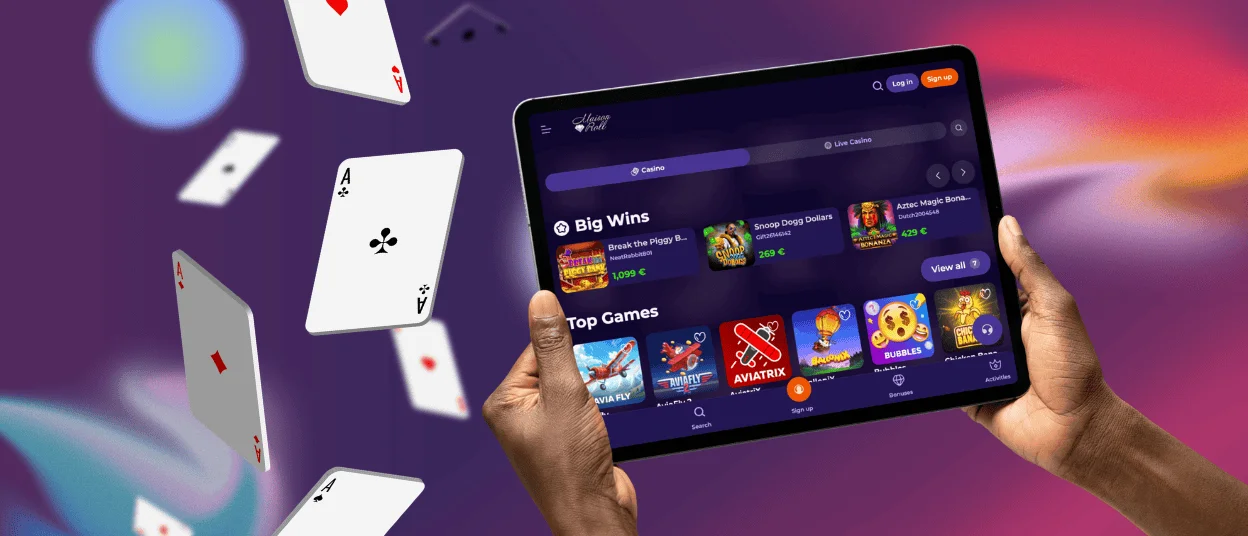
Maisonroll App for iOS Devices
On iPhone and iPad, the installation runs through Safari. Apple devices route the “Add to Home Screen” function exclusively through Safari, so other browsers on iOS do not offer the same option.
- Open the Maison Roll Casino website in Safari.
- Tap the Share button at the bottom of the screen – the box with the upward arrow – and select “Add to Home Screen” from the share menu.
- Name the shortcut if prompted, tap “Add,” and the icon appears immediately.
Face ID and Touch ID become available as login options once the Maisonroll app is configured in account security settings, which removes the need to type credentials. Apple Pay also activates as a deposit method through iOS. It makes top-ups faster than manual card entry.
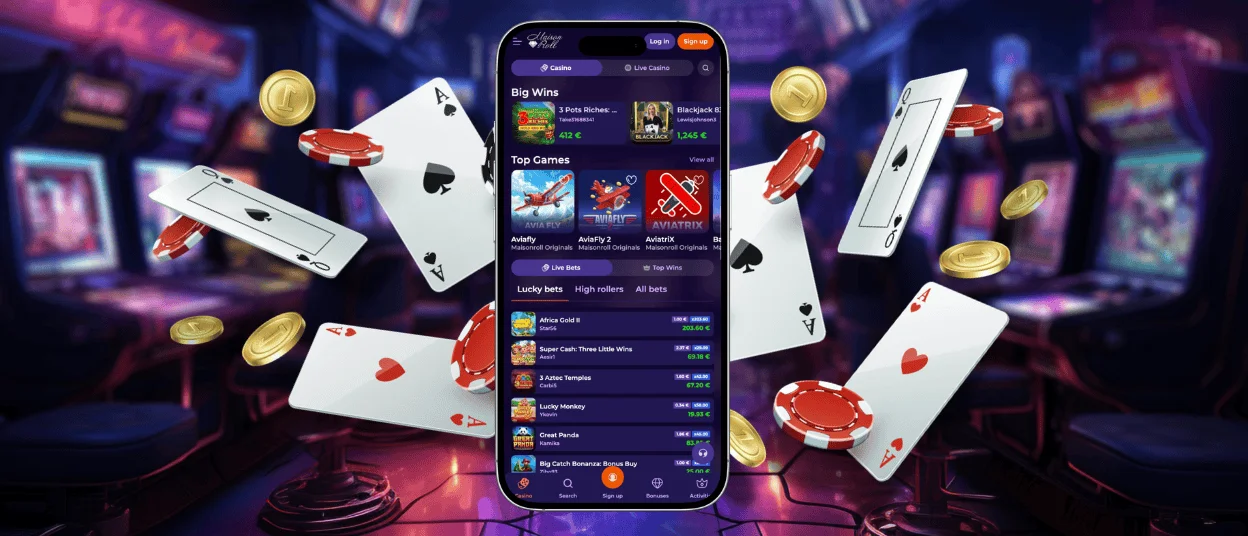
Maisonroll Desktop App: Windows and macOS
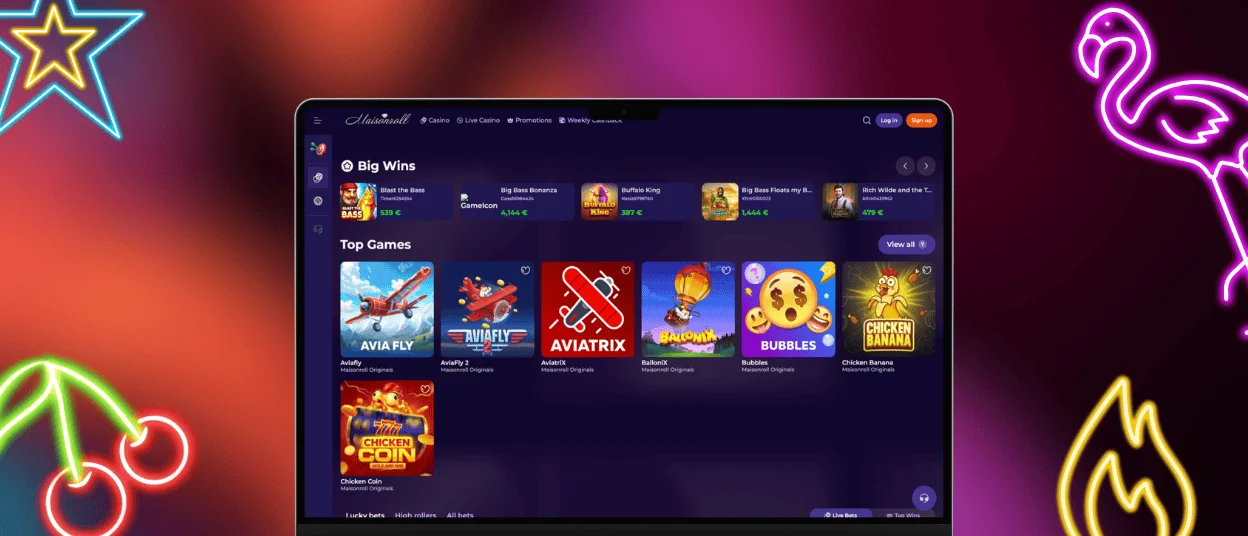
The PWA format is not limited to phones. On Windows and macOS, a small install icon appears in the browser address bar when visiting the Maisonroll Casino website. It looks like a downward arrow or a screen icon depending on the browser. Clicking it and confirming installs our casino as a standalone desktop application that opens without a browser tab.
The desktop version of Maison Roll Casino has push notifications, which the standard browser version does not deliver. Full-screen mode and a dedicated taskbar or dock entry make it behave like a native application. For players who spend extended time at live casino tables or play high-stakes formats where screen real estate matters, the desktop app gives more working space than a phone can provide while still running faster than a full browser session.
FAQ
Are all games available in the Maison Roll app?
The full Maisonroll Casino library – all 6,000+ titles across slots, live casino, table games, crash formats and platform originals – is accessible through the app. Live casino streams at the same quality on the app as they do on a larger screen, and demo mode works on mobile the same way.
Is customer support available in the Maisonroll Casino app?
Live chat is built directly into the app and connects to the same support team available on the website. The team operates around the clock and covers multiple languages. It responds to most queries within minutes. Email is also available through the Maisonroll app for situations that need documentation attached.
How can I update the Maison Roll Casino app?
The PWA loads the current version of the platform automatically each time it opens. New games, promotions, and any changes to the interface will be available on the next launch without any action needed from the player.


